A little focus.
A little friendship.
Bring a book, an unfinished sketch, or the essay you’ve been putting off. Your pet will keep you company for 25 minutes in a garden you share with another player.
Get PomoGardenFree to play on Windows and Linux · Request an Android beta invite
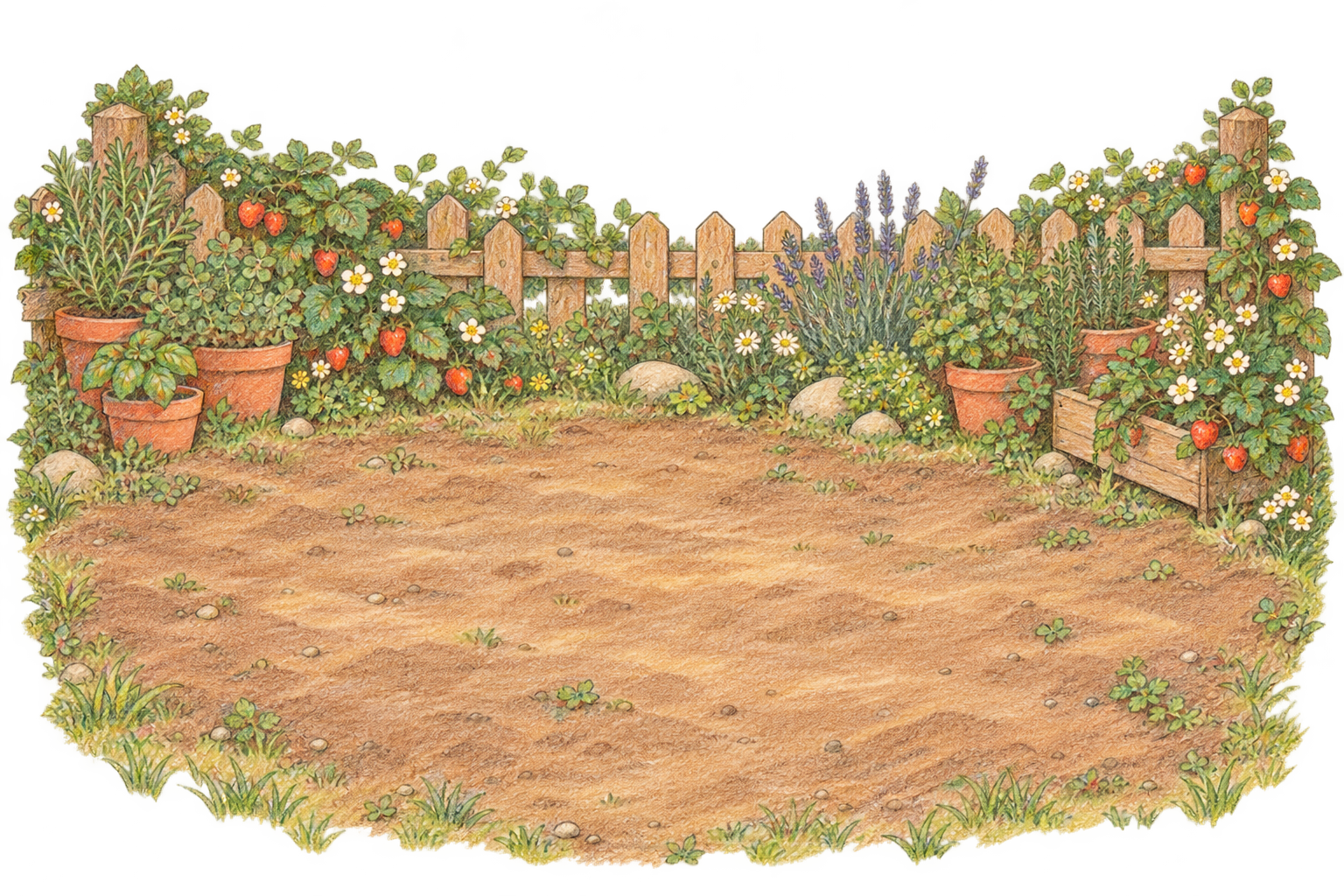 Moss & Pip
Your first half hour in the garden
Pick a pet and settle in
Pick a pet. Meet another gardener or invite up to two friends.
Spend 25 minutes on one thing
Your pets sit together while you work. Chat opens when the bell rings.
Take five together
Wave to your neighbour or stretch your legs. Every fourth round earns a 20-minute break.
Start with a wave.
Each round together unlocks a little more chat.

Break 1 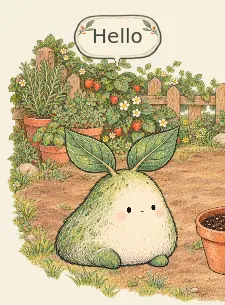
Break 2 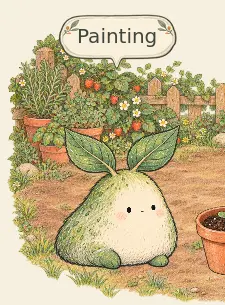
Break 3 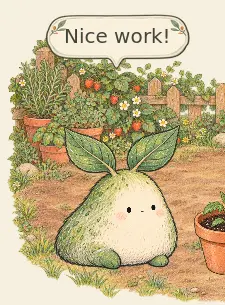
Break 4 onward



Play PomoGarden for free
On a 64-bit Intel or AMD Windows PC, right-click the downloaded ZIP and choose Extract All…. Open the extracted folder and double-click PomoGarden.exe to play.
Join the Android beta
Already invited? Join the test on Google Play.
Beta 0.8.4
Installing on Android
Open Google Play with the account that received your invitation. Join the test, then install PomoGarden. Allow notifications and timer alerts so you can hear the bell with the screen off.
Already playing the directly downloaded APK? Keep it installed to return to that garden. The Google Play edition starts a separate profile.
Running on Linux
- On a 64-bit Intel or AMD Linux computer, right-click the downloaded archive and extract all files into a folder.
- Open that folder. Right-click its background and select Open in Terminal.
- Run
python3 PomoGarden-launcher.py. You need Python 3.9 or later.
After the first launch, look for PomoGarden in your applications menu. The launcher handles game updates.
Just for this roundYou can look back at the current conversation on your device. When you leave the round, the chat disappears.
Everything grows through playEvery pet, outfit, and garden is earned by spending time together. All players can collect them.